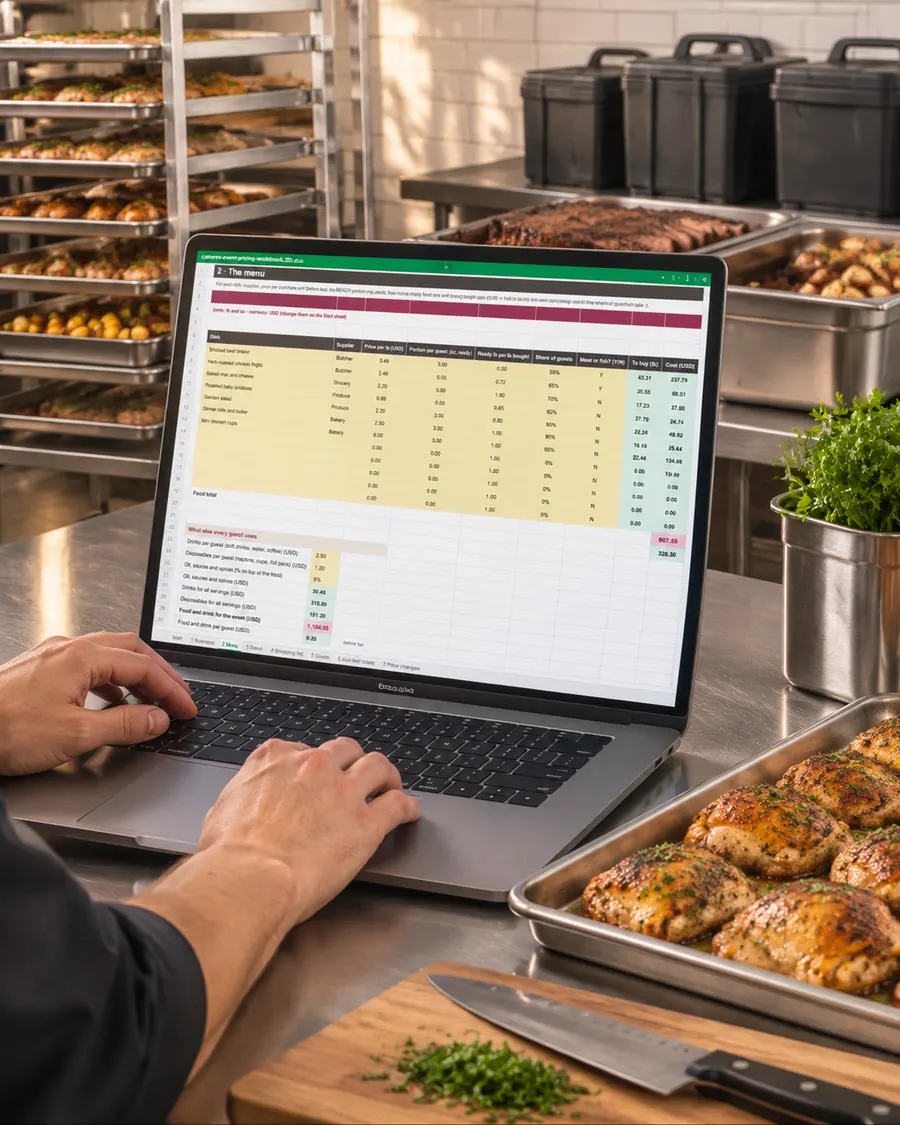
Type the menu and the guest count. Get the true cost per guest, the price to quote, the price you must never go under, the shopping list for every supplier and a quote ready to send.
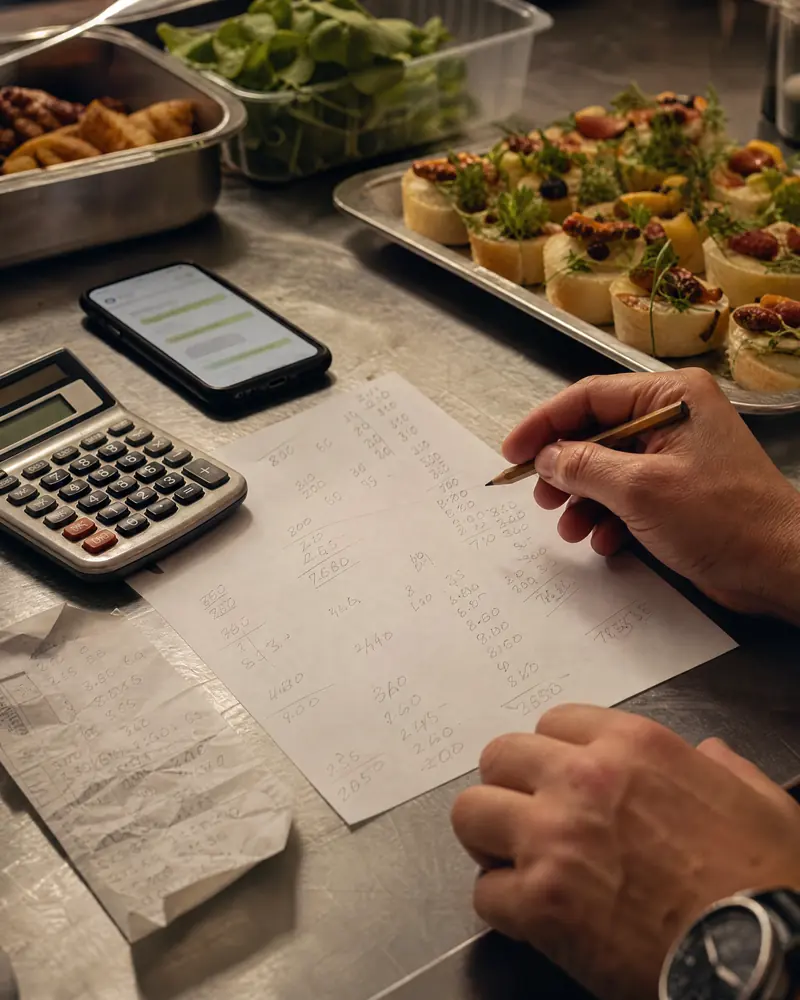
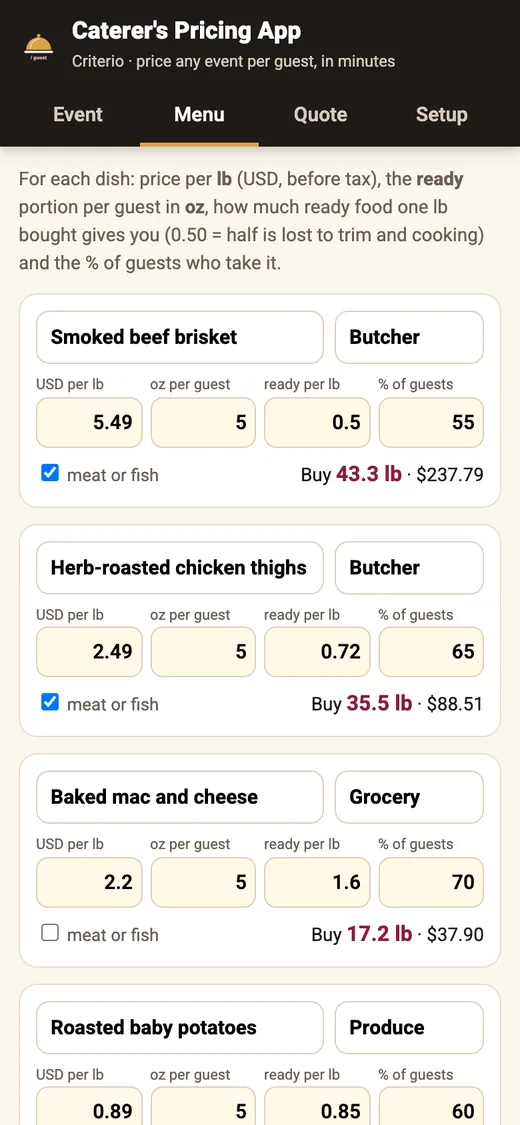
You say a number on the phone. Then the brisket loses half its weight in the smoker, you need one more server than you thought, the chafers and linens cost more than last time and the venue is an hour away.
None of that is in the number you said. And your own hours? Usually not in there either.


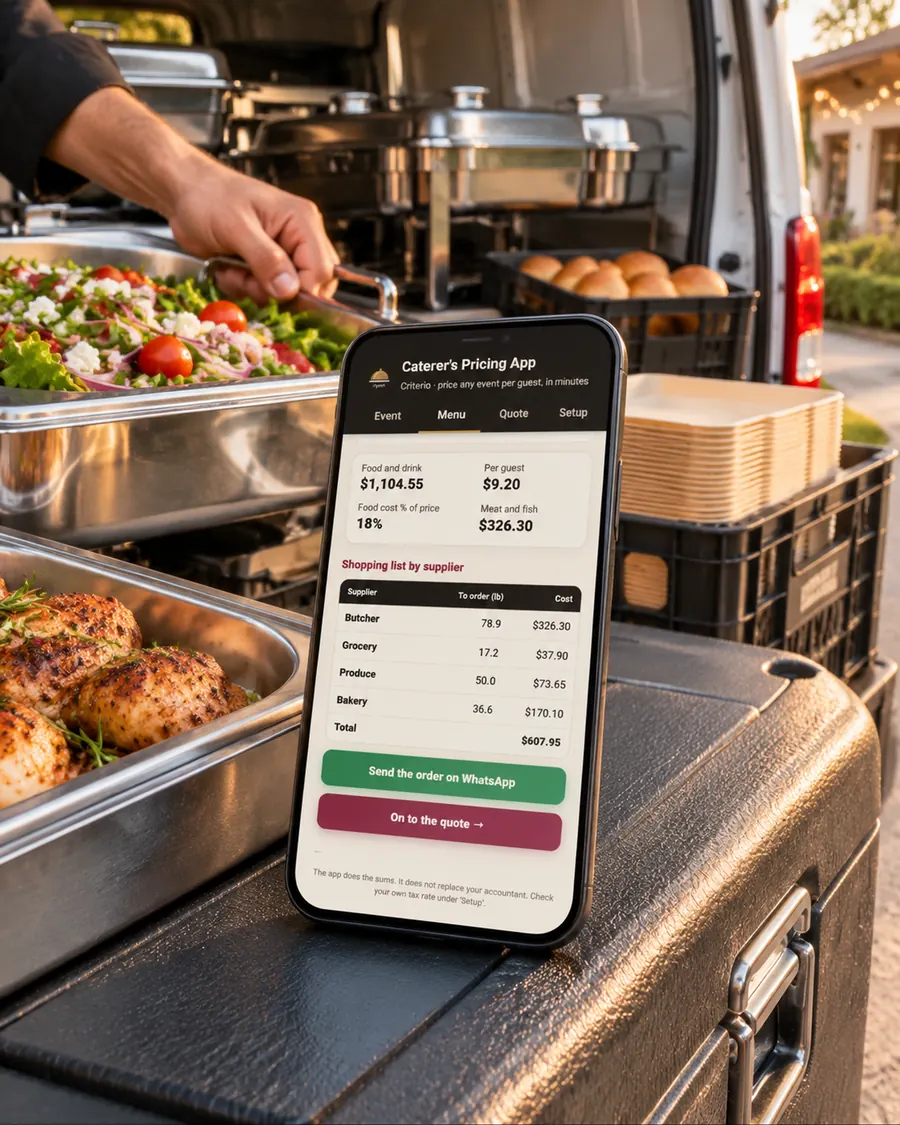
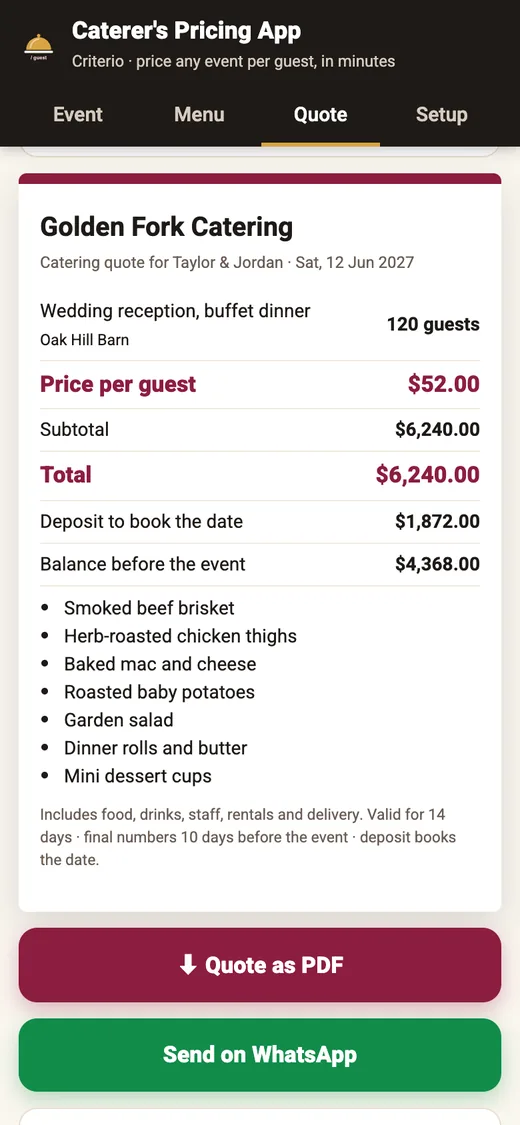
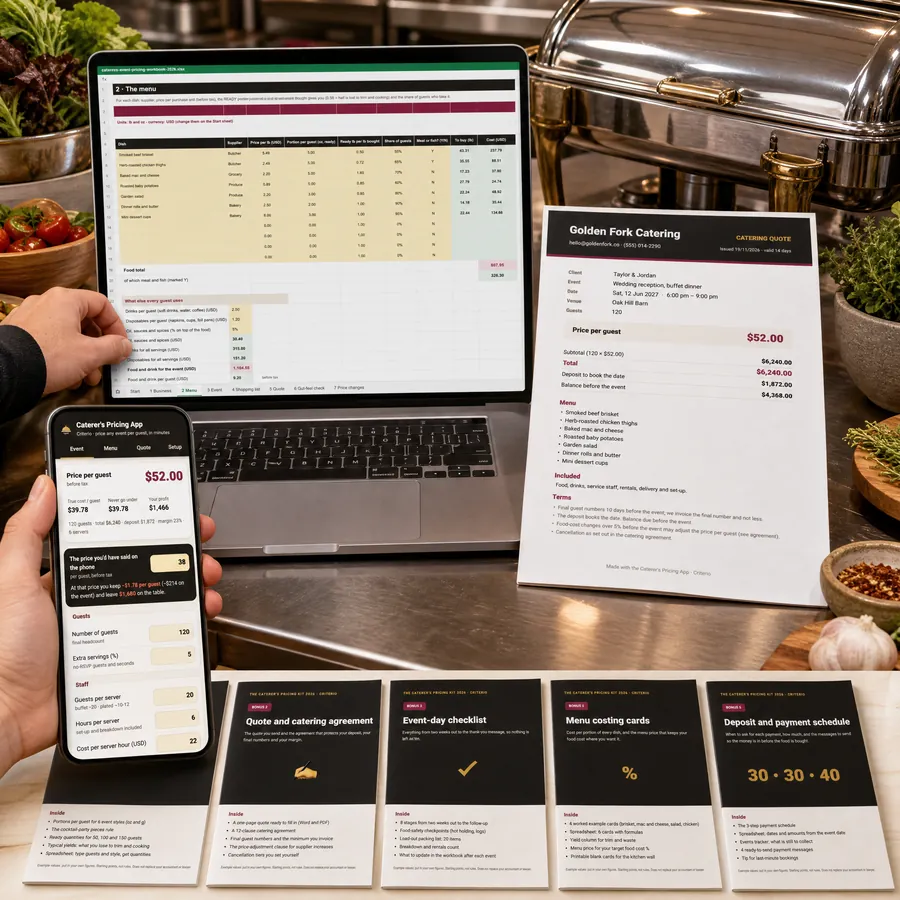
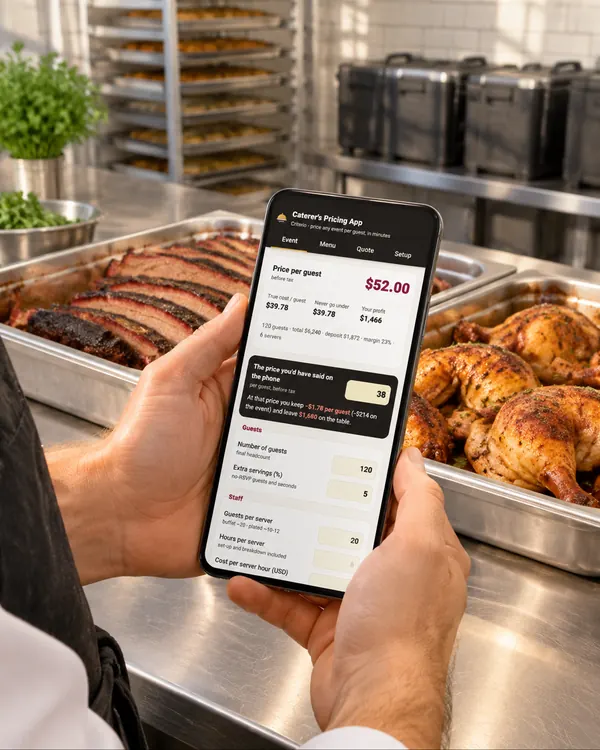
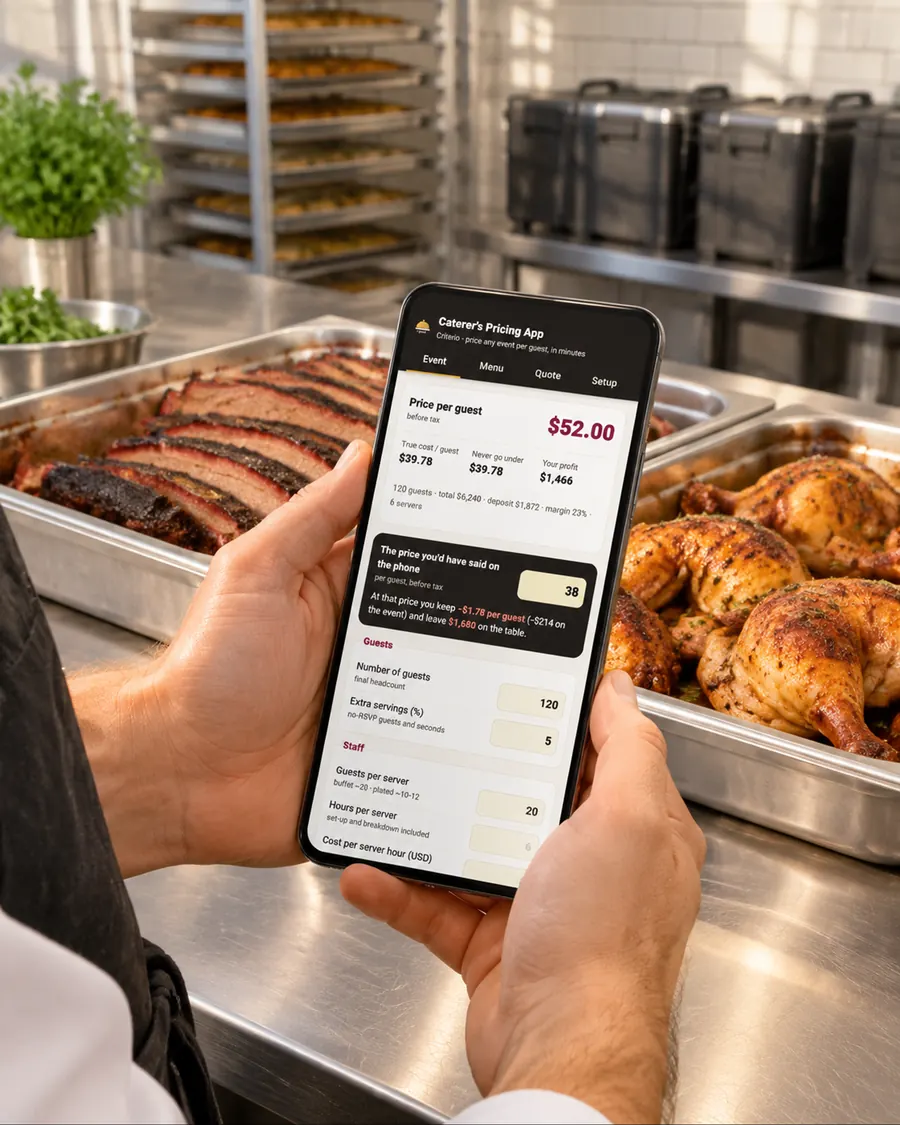
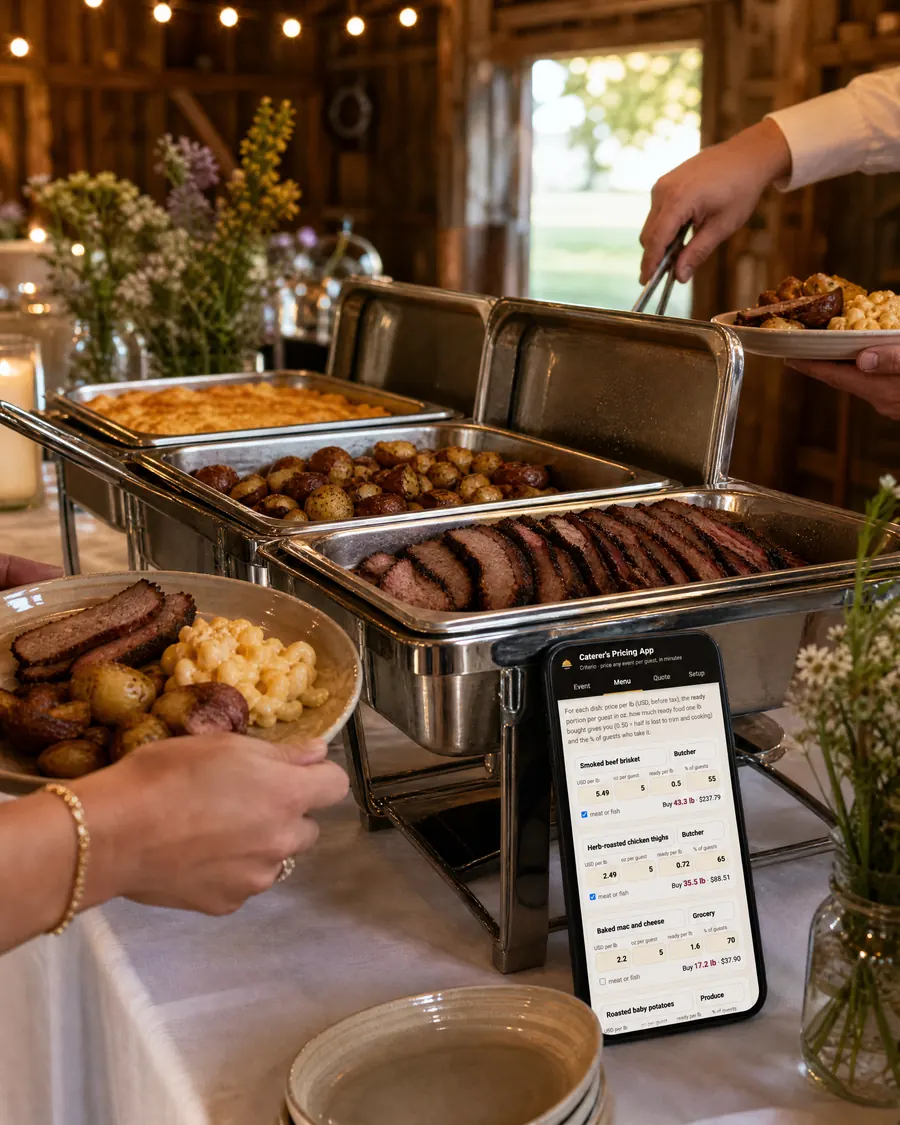
This is the app in the kit, recorded as it is: change the guest count and the price per guest moves; open the menu and the pounds to buy are already there; fill the client's name and the quote is ready.
I want this for my next event$27 · one-time payment · instant downloadThe workbook comes filled with this example so you can see every sum. (Example values: you replace them with your own.)
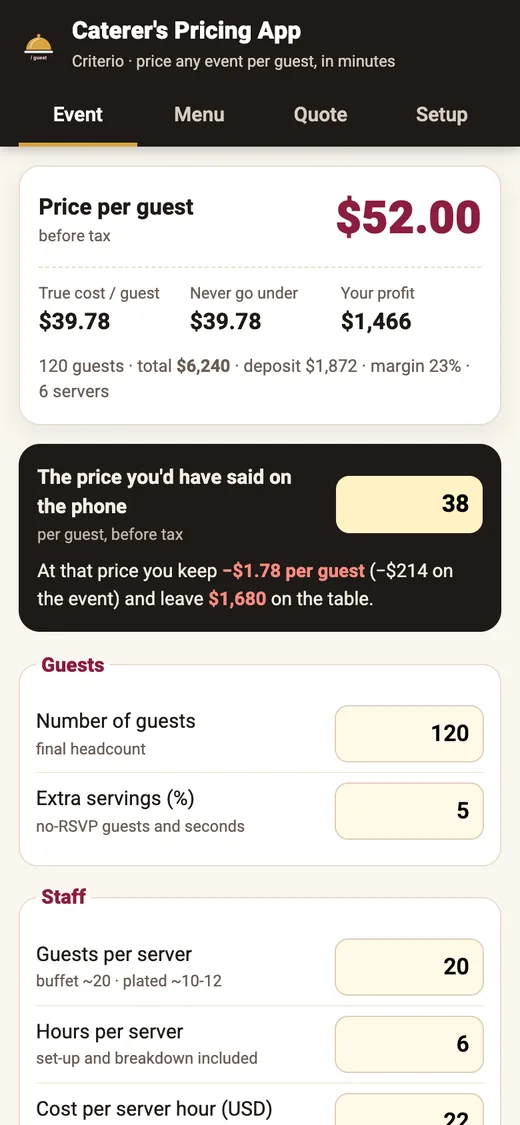
Said on the phone
$38 / guestTrue cost per guest, your pay included: $39.78
You keep −$1.78 per guest: the event comes out of your own pay.
Priced with the workbook
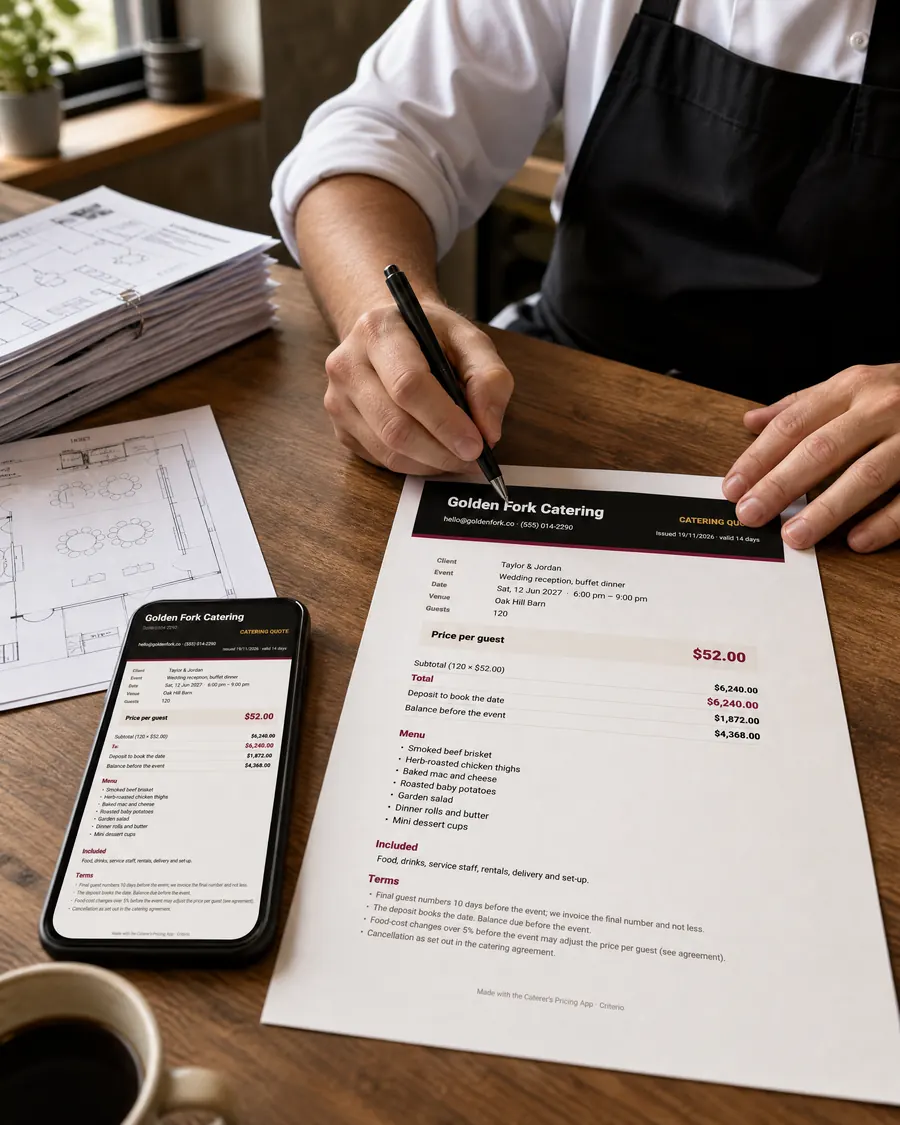
$52 / guestFloor price: $39.78 · deposit 30%: $1,872
Difference on one event: $1,680.
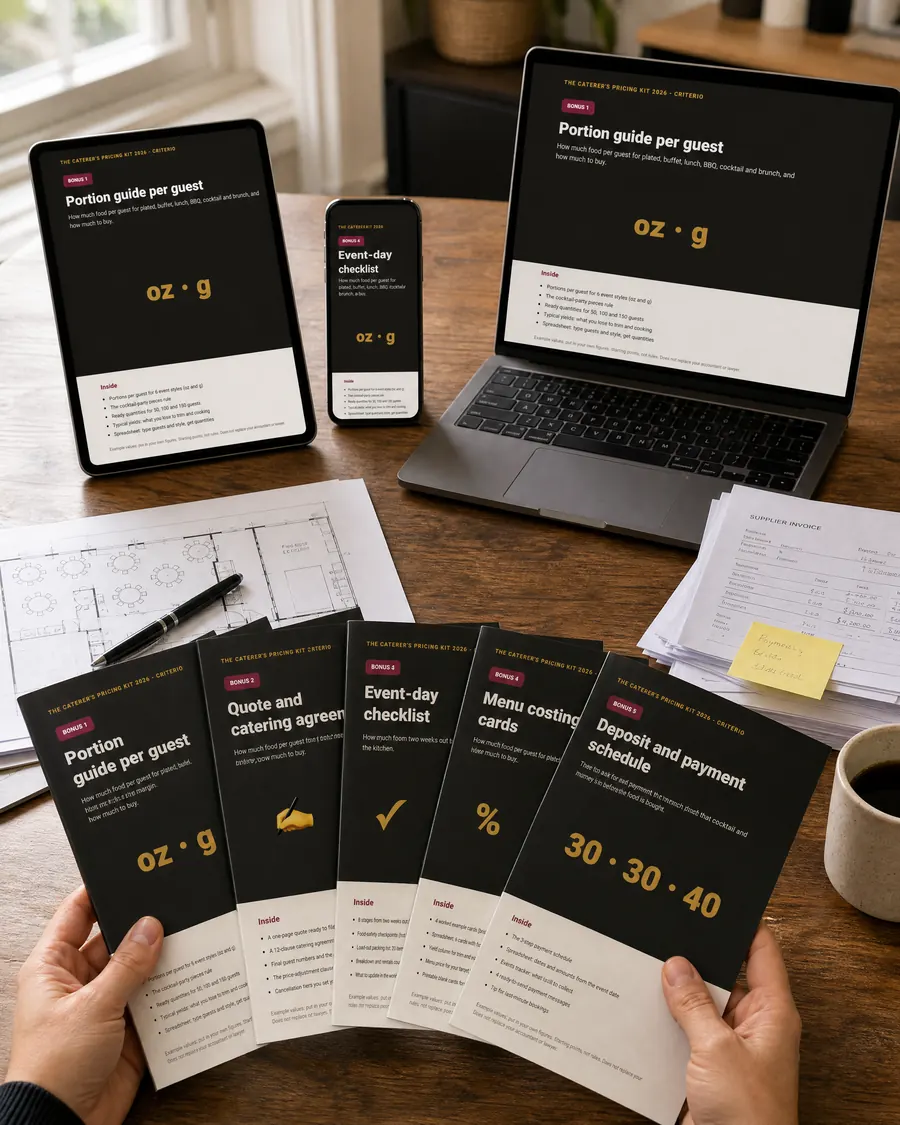
All of it is delivered right after payment, in one download page.

8 sheets with open formulas: your monthly costs and your own pay, the menu with trim and cooking loss, staff, rentals and travel, the price per guest and the floor price, the shopping list by supplier, the quote, the gut-feel check and the supplier price-rise sheet. 7 currencies, lb/oz or kg/g.

The same sums on your phone: price an event standing in the venue, send the order to each supplier and the quote as a PDF, by email or WhatsApp. Your figures stay on your phone.

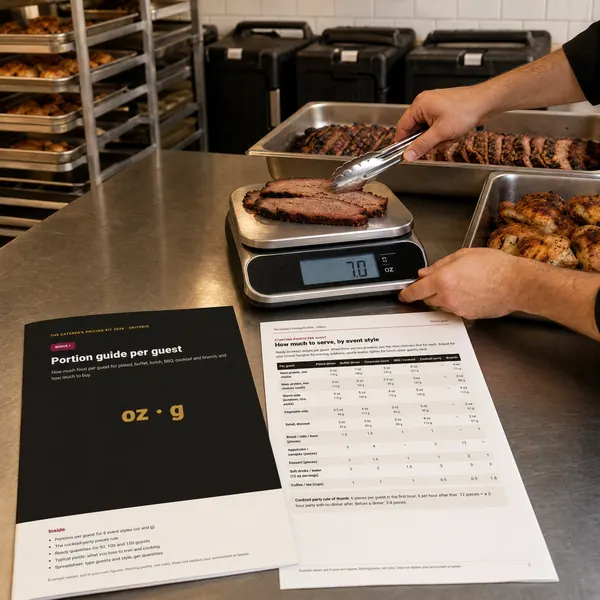
How much to serve per guest for plated, buffet, lunch, BBQ, cocktail and brunch (oz and g), ready quantities for 50, 100 and 150 guests, typical yields, and a quantity calculator.

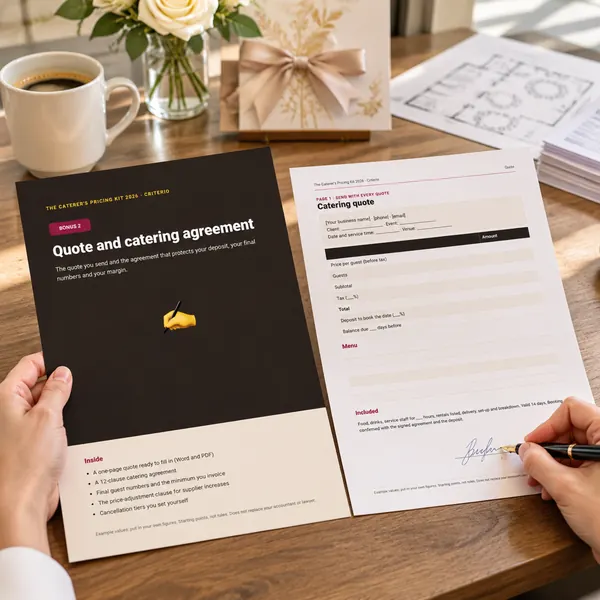
A one-page quote and a 12-clause agreement in Word and PDF: deposit, final guest numbers, price adjustment, cancellation tiers you set, rentals and allergens.

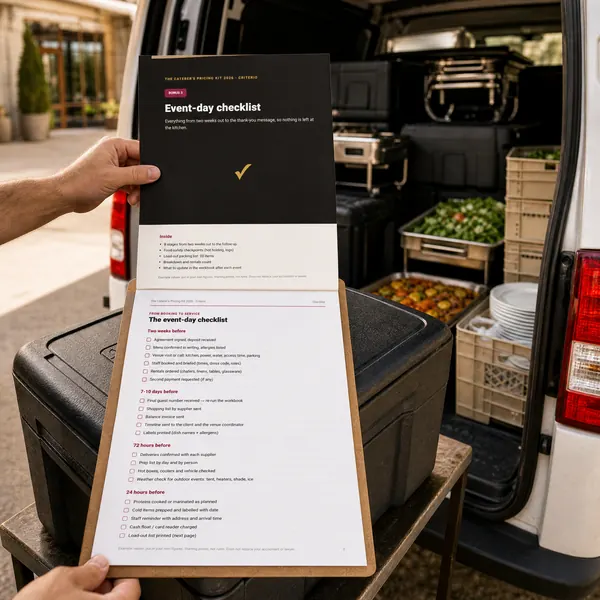
From two weeks out to the thank-you message: 8 stages, food-safety checkpoints and a 20-item load-out packing list for the van.

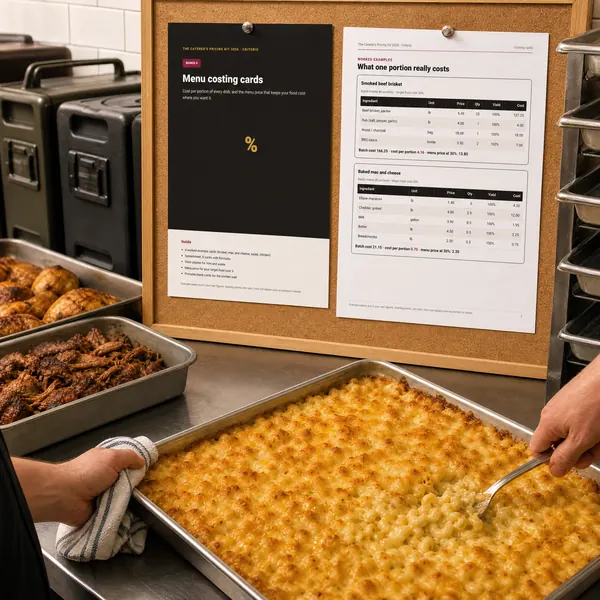
The cost of one portion of every dish and the menu price for the food-cost % you want. Four worked examples, six cards with formulas and printable blanks.

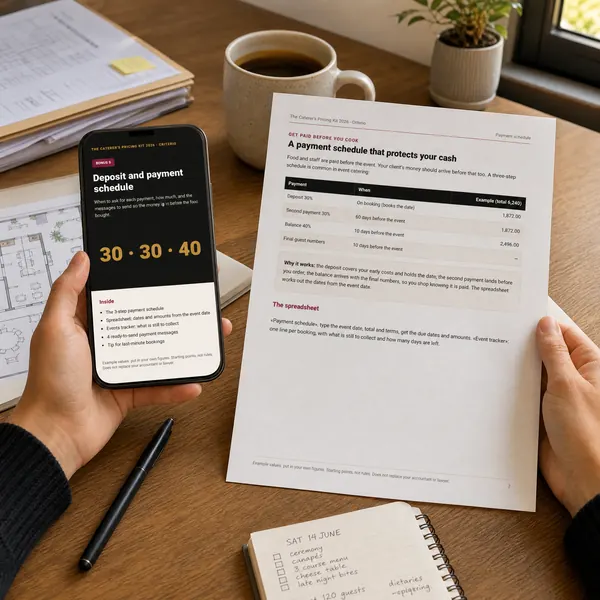
When to ask for each payment and how much, worked out from the event date, an events tracker and four payment messages ready to send.
Try it on your next quote. If it isn't for you, email us within 30 days from the address you paid with and you get the full amount back. No questions asked.
No. The workbook opens in Excel (Windows or Mac), Google Sheets and Apple Numbers. The phone app works in the browser of any phone, tablet or computer, and once opened it also works offline.
You choose: US dollars, British pounds, Canadian, Australian or New Zealand dollars, euros or South African rand, and pounds/ounces or kilos/grams. It's one drop-down on the first sheet (and in the app's Setup).
Yes. You type your own rate (0 if you're not registered) and its name, and it's added on the quote. Rates depend on where you work, so the workbook doesn't guess them for you.
Yes. You set the menu, the portion per guest, the share of guests who take each dish, how many guests each server covers and the rentals. A drop-off is just an event with no servers; a food truck event is the same sum with your truck costs in the monthly sheet.
No. They are an example (a 120-guest wedding buffet) so you can see how it works. You put in your own supplier prices, wages and rent: that's the whole point.
Right after payment you get an email with your download page: the workbook, the app link and the five bonuses. Nothing is posted.
No. You pay once and it's yours, with free updates of this 2026 edition.
You have 30 days. Email us from the address you paid with and you get the full amount back.
We use cookies from the Meta pixel and UTMify to see which advert you came from, only if you accept them. They are optional and the site works just the same if you reject them. More in our privacy & cookies policy.